Dig Dig Die Tools Hub
Interactive planners for quieter raids and clearer crew jobs.
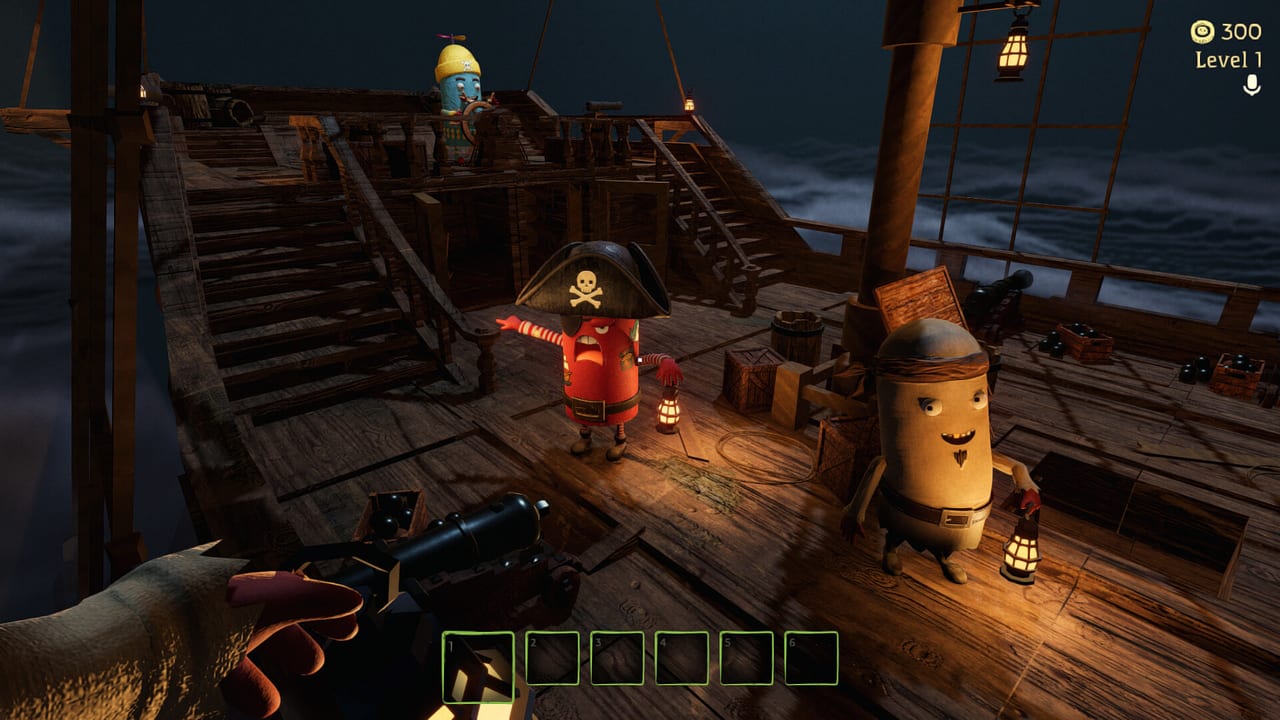
The Dig Dig Die Tools Hub collects interactive helpers that turn trailer chaos into a repeatable plan. Alice Games’ Steam fantasy is simple to say and hard to execute: board a cursed flying ship, raid haunted graveyards for loot, survive monsters that hear almost everything—including proximity voice chat—then decide whether to spend at vending machines or gamble in the onboard casino. These tools exist so your crew argues less on the drop and digs more on purpose.
Interactive tools on this wiki
Crew Role Planner
Open the Crew Role Planner to assign Loot Runner, Distractor, and Support jobs before you leave the ship. The page includes an on-page interactive planner plus markdown role sheets you can paste into Discord.
Noise Checklist
Open the Noise Checklist to tick quiet habits—mic discipline, dig timing, extract calls—before a graveyard run. It pairs with the prose guide Noise Survival and the systems explainer Sound Hunting.
Why planners beat vibes in Dig Dig Die
1–6 player lobbies create asymmetric failure: one person screaming can erase four careful digs. Steam markets special voice effects and friend betrayal comedy, which is great content and terrible extract insurance. A two-minute planning pass on this hub is cheaper than a wipe.
Use the planners alongside:
- How to Play for the full loop
- Co-op Strategies for stack-size tactics
- Loot and Extract for haul discipline
- Controls Hub and Voice Stealth for input and mic habits
- Tier List Hub so roles know which boosters and tools to prioritize
Suggested pre-raid workflow
- Confirm launch timing on Release Date and PC readiness on System Requirements.
- Assign roles in the Crew Role Planner.
- Run the Noise Checklist out loud once.
- Mark greed targets using Treasures & Boosters and curse caution from Cursed Items.
- Agree on ship spend rules via Casino & Vending—extract first, blackjack later.
- Sketch a route with Graveyards and return points on the Cursed Ship.
After tools: still read the systems
Interactive widgets do not replace knowledge of UFO beam panic (UFO Events), monster audio rules (Monsters Hub), or honest promo status (Codes—none known pre-launch). Think of this hub as the briefing room; the Guides Hub is the field manual; the Review page is the buyer’s framework.
When Dig Dig Die launches on August 6, 2026, we will keep these tools updated with live callout examples and any new role archetypes the community invents—without pretending a checklist alone makes you immune to a shovel-triggered chase.
Frequently Asked Questions
Quick answers for Dig Dig Die crews on Steam.
What Dig Dig Die tools does this wiki offer?
A Crew Role Planner for Loot Runner, Distractor, and Support assignments, plus a Noise Checklist for quiet raid habits. Both include interactive on-page widgets.
Should I use the tools before every raid?
At least before your first session of the night. Re-run the Noise Checklist when someone new joins voice chat or when you raise lobby size toward six players.
Do these tools work for solo Dig Dig Die?
Yes. Solo players can mark themselves as Loot Runner, skip Distractor, and still use the Noise Checklist to control shovel and mic noise.
Are the planners official Alice Games utilities?
No. They are unofficial fan tools on digdigdie.wiki meant to complement Steam store facts and your own launch-week practice.